What a CRM actually does: people, open deals and the next step
The same name covers a contact list with a calendar and a system full of campaigns and surveys. What every CRM has in common, and how it differs from an ERP.
4 min read
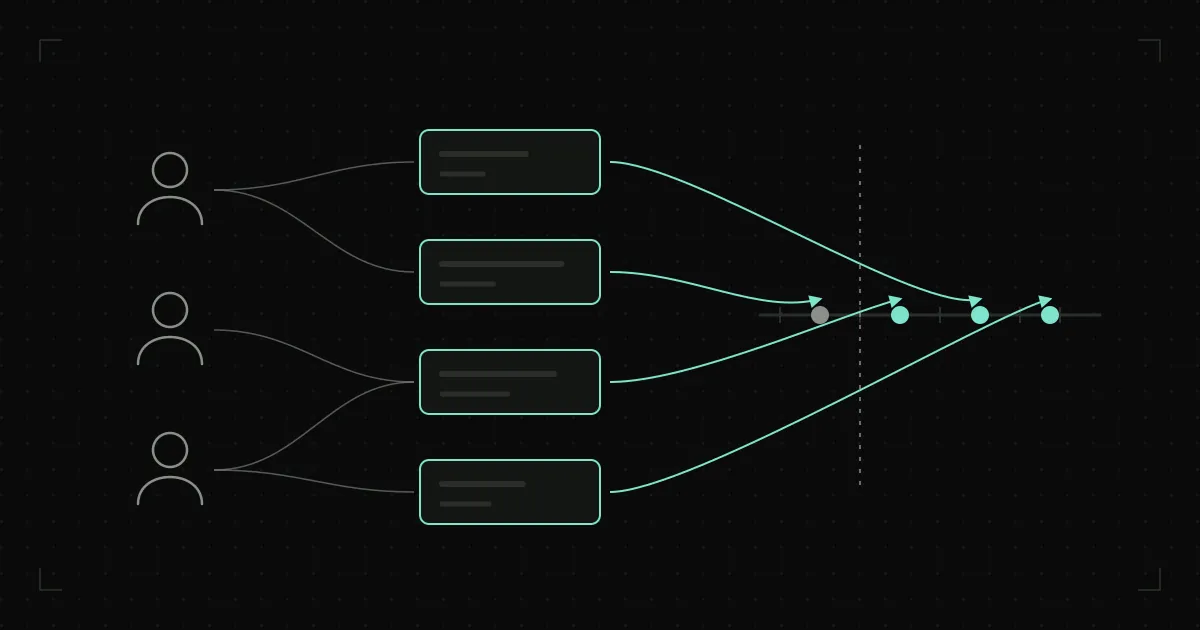
A business owner sits through three demos in the same week. The first salesperson shows a contact list with a calendar. The second shows a board with columns and cards you drag with the mouse. The third shows a system with campaigns, surveys and reports that even he isn’t sure anyone at the company will ever open. All three say they’re selling a CRM.
And all three are right. The word covers a lot, so it’s more useful to ask what they all have in common.
Without these, a CRM isn’t a CRM
Underneath every CRM, small or large, there are four kinds of record:
- People and companies. Who you work with or could work with, and who makes the decisions where.
- Open deals. An enquiry, a quote or a negotiation that hasn’t yet been won or lost.
- The trail. Calls, emails, meetings and documents, linked to the deal they belong to.
- The next step. What needs doing, by when, and who is doing it.
Everything else, from campaigns to charts, is built on these four. Software that handles them well and has nothing else is a CRM. Software that has everything else, but where nobody records the next step, is just a set of screens.
An ERP remembers what happened, a CRM what is still to happen
Many businesses already have an ERP or accounting software. So “don’t we already have that?” is a fair question.
The difference is time. An ERP records what is finished or at least confirmed: the order, the delivery note, the invoice, the payment. A CRM records what isn’t finished yet: a quote the customer hasn’t answered, a call promised for Thursday, an enquiry nobody is sure is worth the effort.
That is why one doesn’t replace the other. When a deal in the CRM is won, an order is created in the ERP, and from then on the ERP takes it forward. What happens at the handover between the two often belongs to neither. We wrote about that handover in The ERP is live. So why is everything still agreed over the phone?
Email and phone keep the conversation, not what comes next
Most of what a CRM should remember already exists somewhere: in email, in messages, in the call log. So why isn’t that enough?
For two reasons. The first is that only the person whose phone and inbox it is can see it. The second is that the conversation is recorded, but what follows isn’t. The email says the customer asked for a quote. It doesn’t say he was promised it by Friday, or who promised it.
The next step is a rule, not a field
CRM software generally has a place for a task or a reminder. The difference between a CRM that works and one that gathers dust isn’t that field, but whether it gets filled in.
The rule is simple: no open deal is left without a next step. If there isn’t one, the deal is either finished, and should be closed as won or lost, or it has been forgotten. There is no third option.
When the rule is kept, a salesperson’s morning list builds itself: everything due today and everything that should have happened yesterday. The owner doesn’t need to ask what happened with that quote, because they can see the deal, its latest activity and what comes next.
Deal stages describe your sales
Open deals are usually split into stages, from first enquiry to signature. Off-the-shelf products come with their own stages, but those are only a suggestion. A business that sells through tenders follows a different route from one that sends customers samples, and the stages should describe that route, not someone else’s. How that route is mapped and tracked is a subject of its own.
What a CRM doesn’t do
It doesn’t sell. It doesn’t ring customers, and it doesn’t remember what people haven’t entered. If it only gets updated on Friday, ahead of the meeting, it will show exactly what happened a week ago, which helps hardly anyone.
A CRM makes sense when entering something takes less time than the benefit the person gets straight back: when it shortens the salesperson’s morning, not just gives the owner a report. Whether your business has reached that point shows in the small things described in The signs a business needs a CRM show up in small things, not reports.
How much CRM is enough
To start with, these four records and the next-step rule are enough. Campaigns, surveys and customer scoring can come later, if the business really calls for them. It is far easier to add to a system people use than to get people to use a system that has everything.
If you conclude after this that an off-the-shelf CRM will do, that’s a good conclusion and there’s no need to complicate it. If your sales have steps that an off-the-shelf product doesn’t follow properly, we build a system around these four records and your own sales route; we call that work CRM and ERP system design and build. And if you’re not sure which applies to you, ask us before you sign up for a subscription.