Accountancy practices: who has sent their paperwork this month, and who hasn't
A practice with many clients runs late not on bookkeeping but on paperwork that hasn't arrived. How to see the month client by client and automate reminders.
4 min read
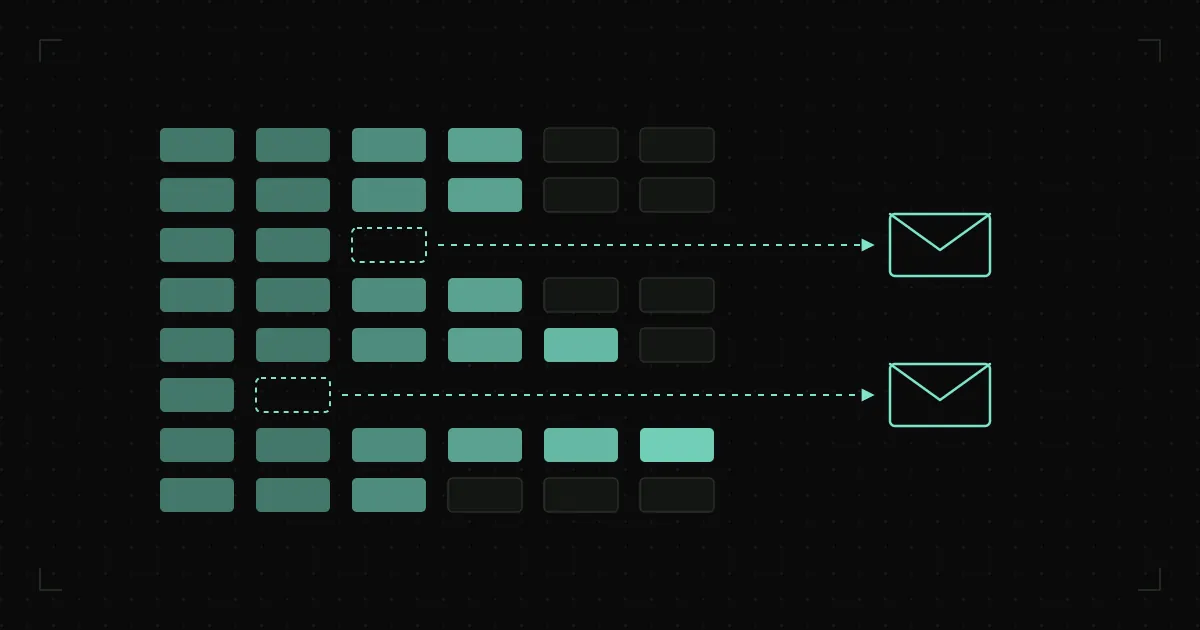
It is Friday, and the filing deadline is next week. A bookkeeper opens the client list and starts ringing round: have they sent their bank statements, where are the supplier invoices, have they taken on anyone new. A common answer is “I emailed it to you”, followed by a search through the inbox. The bookkeeping itself, once everything is in, takes less time than the chasing.
A practice doesn’t run late because people are slow at bookkeeping. It runs late because it can’t see in time what hasn’t arrived.
Bookkeeping software doesn’t know what is missing
In bookkeeping software the work is done company by company. It knows what has been posted. It doesn’t know which documents from a client are still outstanding, who in the practice looks after which client, or how far each one has got this month. That is kept in a spreadsheet, in a diary or in the bookkeeper’s head.
While there are few clients, that is enough. Once there are more than anyone can keep in their head, the only way to know where the month stands is to ring the clients one by one.
The month by client, on one screen
Every client goes through the same steps every month. Documents are requested, they arrive in part and then in full, the work is posted, the returns are filed, and the client is told what they need to pay. When each of those steps is marked as it happens, you get a table of all clients and all steps.
From that table the owner of the practice sees in a minute what they now find out by walking round the office: which clients are behind, and whether the hold-up is with the client or inside the practice. A bookkeeper sees their own list for today, not the whole month at once.
The table is only worth something if it is accurate, and it is only accurate if filling it in isn’t extra work. Wherever possible, a step marks itself: a document the client uploads changes the status without anyone touching it. Where that isn’t possible, one click when the work is done is enough, rather than copying things across at the end of the day.
Every client has their own list
Not every client is expected to send the same things. A VAT-registered company has one kind of obligation, a company with employees another, a sole trader with no staff a third. Some take cash, some import goods.
Once that is recorded on the client’s card, the software knows which documents should arrive and from whom. The month’s checklist isn’t put together from the bookkeeper’s memory; it builds itself, and it doesn’t leave out the things that only come up every few months.
The card is filled in at the first meeting with a new client and updated when their business changes: they take on their first employee, register for VAT or open a shop. If the change isn’t recorded then, the following month shows a gap, usually in deadline week.
Reminders that go out on their own
A few days before the internal deadline, the client receives a message. Not a general “please send your paperwork”, but a precise one: exactly what is still missing from them. If it still doesn’t arrive, a second message goes out a few days later. Only then does the bookkeeper ring, and only those who are still missing something.
The message includes a link where the client can upload a photo or a scan, instead of sending documents to staff members’ personal email addresses. Everything that arrives is filed straight away against the right client and the right month, and the status in the table changes by itself.
The call list shrinks to the people who really need a call. The Friday before the deadline stops being a day of ringing round.
Work that isn’t in the monthly fee
A letter for the bank, registering an employee mid-month, updating company details, a meeting ahead of a tax inspection. If jobs like these are recorded when they are done, after a few months it becomes clear which clients regularly ask for more than the monthly fee covers.
That isn’t a reason for an argument but for a calmer conversation. With the list in hand, it is easier to agree a new fee or to be clear about what the monthly amount includes.
When a bookkeeper leaves
In many practices each bookkeeper knows their clients by heart: who has to be asked twice for statements, who sends everything at the last minute, what was agreed where. When they leave, that knowledge leaves with them, and the new person spends months learning what could have been recorded against the client. It is one case of a wider problem: knowledge that lives in one person’s head.
A client card with obligations, contacts and notes isn’t only a help with the monthly work. It is also what stays with the practice when people change.
Work like this rarely calls for new bookkeeping software. It calls for document intake, reminders and the monthly overview to be arranged around the software you already use, which is exactly the business digitalisation and automation work we do. If that Friday before the deadline sounds familiar, get in touch before the next one.